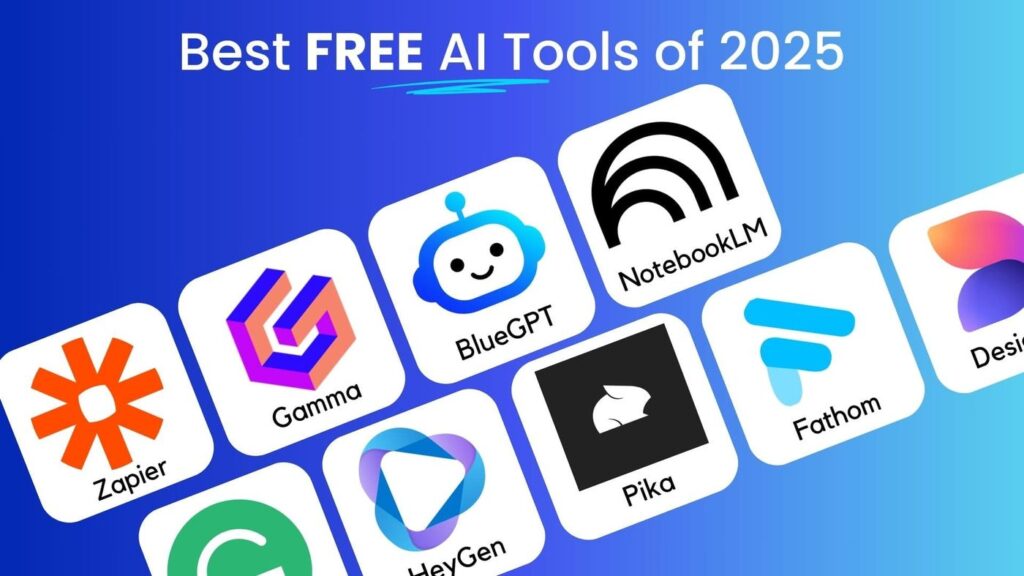
Look, I get it. Just a few years ago, AI felt like this exclusive club. You needed a tech degree, a huge budget, or maybe a friend at some Silicon Valley giant to even get a taste. Honestly? That’s completely over. The landscape has shifted so dramatically it’s almost laughable. We’re now in 2026, and the most powerful shift isn’t some new, untouchable super-intelligence—it’s the absolute flood of incredibly useful, genuinely powerful AI tools that cost you absolutely nothing to start using. That’s right. Free. Zero dollars.
And I’m not talking about gimmicky, limited trial versions that lock everything good behind a paywall after five minutes. I mean tools that are so integrated into daily work for students, bloggers, freelancers, creators, and small business owners that forgetting to use them feels like willingly choosing to type with one hand. The barrier to entry isn’t money anymore. It’s just knowing what’s out there. Personally, I think that’s the most exciting change of all. This guide is my breakdown of the best free AI tools you should be using this year—the ones that actually save time, boost real productivity, and won’t vanish from your wallet.
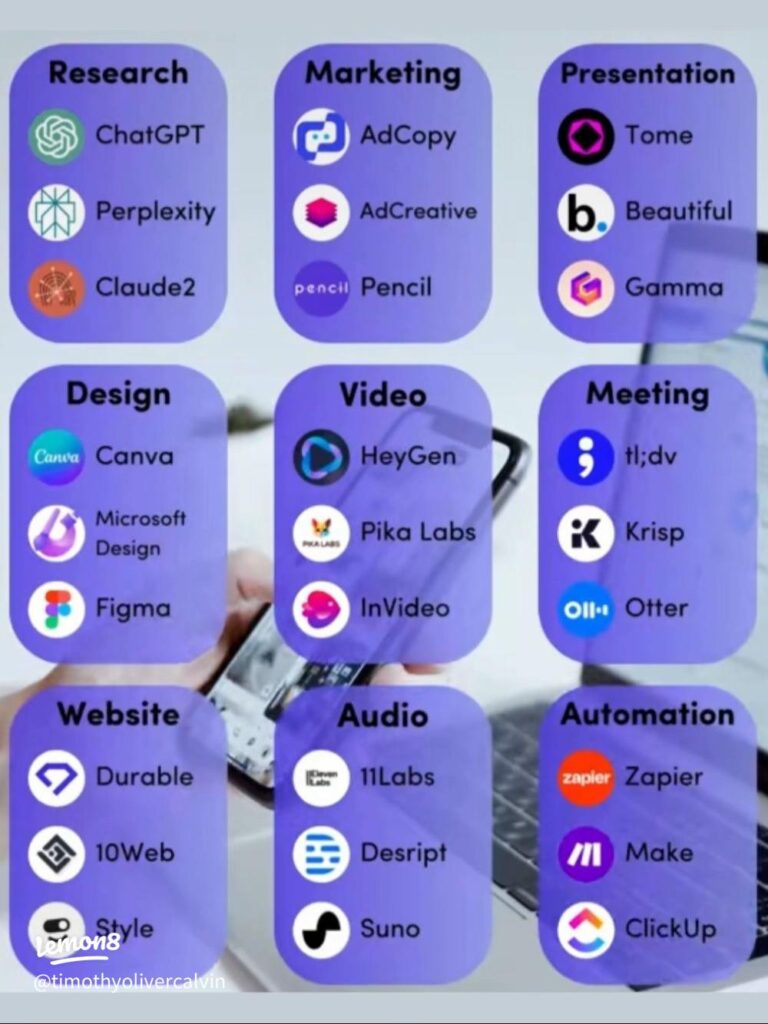
Why Bother with Free AI Tools in 2026? Isn’t Everything “Premium” Now?
Great question. You’d think so, right? But the competition has gotten so fierce that the “free plan” has become the new demo. Companies are falling over themselves to get you hooked on a genuinely useful free tier, hoping you’ll love it enough to upgrade later for the fancy extras. For us, the users, that’s a total win. The tools in 2026 are smarter, they understand context better, they’re faster, and they’re baked into platforms you probably already use. They help you write faster, design like a pro (even if you’re not), edit videos without pulling your hair out, learn new skills on the fly, and automate the boring, repetitive tasks that eat your day. And yes, the core of that help? Often completely free.
1. ChatGPT (The Free Version) – Your Digital Swiss Army Knife
Let’s start with the one everyone knows. ChatGPT, in its free version, has somehow managed to stay ridiculously useful in 2026. It’s like that reliable friend who might not have the absolute latest info the second it drops, but can help you brainstorm, write, and problem-solve 90% of your daily hurdles.
Best For: Writing just about anything, breaking down complex topics, sparking ideas, basic coding help, and general problem-solving.
What You Can Actually Do For Free:
- Draft blog posts, social media captions, and emails. I use it to beat the blank page syndrome—just ask it for 10 email subject lines on a topic, and suddenly you’re rolling.
- Generate outlines and content ideas. Stuck on what to write for your next newsletter? It’s a brainstorming powerhouse.
- Explain that tricky tech concept or historical event “like I’m 10.” It’s a learning accelerator.
- Rewrite and polish your own content. Got a clunky paragraph? Paste it in and ask for a clearer version.
The Real Talk: ✅ It’s insanely easy to use and shockingly versatile. ❌ The free plan has usage limits—you might hit a “capacity” wall during peak times. And sometimes its knowledge feels a step behind. But honestly, for most daily tasks? It barely matters.
2. Canva AI – Design Superpowers for the Rest of Us
I remember when design software was intimidating. Layers, masks, vector points… yikes. Canva AI has genuinely changed the game for non-designers. The free plan is so packed with AI features it almost feels like a cheat code.
Best For: Creating graphics, crafting social media posts, whipping up presentations, and making anything visual look cohesive and professional.
Free AI Features You’ll Use Constantly:
- Magic Design: Upload an image or a rough idea, and it generates full design mockups. It’s a crazy time-saver.
- AI Text-to-Image (Magic Media): Need a specific image you can’t find? Describe it. The results in 2026 are pretty wild, even on the free tier.
- Background Remover: It’s limited on the free plan, but for quick jobs (like cutting yourself out of a vacation photo for a profile pic), it works in one click.
- Auto-Resize: Make a YouTube thumbnail and need an Instagram Story version? This does it instantly.
The Real Talk: ✅ It’s perfect for beginners and gets you 90% of the way to a pro look. ❌ Obviously, the premium assets (fancy photos, specific fonts) are locked. But the AI tools themselves? Mostly accessible. It’s a game-changer.
3. Google Gemini (Free) – Your Research Assistant on Steroids
While ChatGPT is great for creation, Google’s Gemini has become my go-to for anything that requires digging, summarizing, or getting a straight, fact-based answer. It feels less like a creative writer and more like a super-efficient research assistant.
Best For: Research, summarizing long articles or reports, getting quick answers with web context, and productivity tasks tied to Google’s ecosystem.
Why People (Including Me) Love It:
- Its web-based answers are strong because it’s, well, Google. It’s great for recent events or verifying information.
- The response time is blisteringly fast.
- If you live in Google Docs, Sheets, or Gmail, the integration is seamless.
The Real Talk: ✅ It’s free, reliable, and a research beast. ❌ For pure creative writing or storytelling, it can feel a bit dry and straightforward compared to others. But for getting work done? Top tier.
4. CapCut AI – Video Editing Without the Pain
If you create any kind of video content—TikToks, Reels, YouTube Shorts, even simple project videos—CapCut AI is a non-negotiable free tool in 2026. The AI features take the technical headache out of editing.
Free AI Features That Feel Like Magic:
- Auto Captions: It transcribes your speech and adds captions automatically. The accuracy in 2026 is stellar, saving you hours.
- Background Removal: Green screen without a green screen. It’s not perfect for complex scenes, but for talking-head clips? Amazing.
- AI Video Effects: Things like smooth zoom transitions, auto-beat syncing for music, and style filters.
- Text-to-Speech: A variety of decent AI voices for when you don’t want to narrate yourself.
The Real Talk: ✅ Unbelievably good for beginners; you can make polished videos in minutes. ❌ The big catch? Some exports might have a subtle CapCut watermark on the free plan. For personal projects or starting out, it’s fine. But if you’re going pro, you’ll likely need the paid version to remove it. Still, to learn and experiment? It’s the best free starting point, hands down.
5. Grammarly (Free) – The Quiet Genius in Your Browser
It might seem basic, but Grammarly’s free version in 2026 is still that quiet helper that makes you look smarter in every email, document, and post. It’s less about flashy AI and more about consistent, crucial polish.
Best For: Catching grammar slips, improving sentence clarity, and getting basic tone suggestions.
What the Free Version Still Covers:
- Grammar and spelling checks (obviously, but it’s so good).
- Basic punctuation and conciseness alerts.
- Tone detectors (it might flag a sentence as “confident” or “maybe too harsh”).
The Real Talk: ✅ It works everywhere—your browser, your desktop apps, even your phone. It’s just always there. ❌ The advanced stuff—full-sentence rewrites for clarity, premium style suggestions—is paid. But honestly, for catching mistakes and avoiding embarrassment? The free version is more than enough for most people.
- Hosting Guides:
For more budget hosting options, see our Best Cheap Hosting Plans in 2026 guide.
6. Notion AI (Limited Free) – Organize Your Chaotic Brain
Notion itself is a fantastic free tool, but its AI add-on, even with limits, turns it from a digital notebook into a thinking partner. It helps you organize the chaos.
Best For: Notes, project planning, study guides, content calendars, and personal productivity systems.
What the Limited Free AI Can Do:
- Summarize your long meeting notes into action items.
- Generate a task list from a brain dump paragraph.
- Help brainstorm content ideas or expand on short bullet points.
- Translate or adjust the tone of text right inside your pages.
The Real Talk: ✅ It’s clean, powerful, and works inside an already-great platform. ❌ The “limited” part is key—you get a small number of free AI prompts/credits. Once you hit the limit, you can’t use the AI features until the next month or unless you upgrade. It’s a taste, but a powerful one.
7. ElevenLabs (Free Tier) – Shockingly Real AI Voices
The quality of AI voice generation has leapt forward. ElevenLabs offers some of the most natural, convincing AI voices available, and the free tier lets you test this sorcery yourself.
Best For: Creating voiceovers for videos, adding narration to content, or generating audio for digital projects.
Free Use Cases:
- A quick voiceover for a YouTube Short or Instagram Reel.
- Narrating a blog post or presentation if you’re not comfortable recording your own voice.
- Experimenting with different voices for character or project ideas.
The Real Talk: ✅ The voices are scarily good—far beyond the old robotic text-to-speech. ❌ The monthly character limit on the free plan is strict. You won’t be narrating an audiobook with it, but for short projects, it’s an incredible resource.
Quick Comparison: What’s Actually Free?
| AI Tool | Best Use Case | Free Plan Reality |
|---|---|---|
| ChatGPT | Writing & Ideas | ✅ Solid, but with usage caps |
| Canva AI | Design & Graphics | ✅ AI features are widely accessible |
| Google Gemini | Research & Answers | ✅ Fully free & connected |
| CapCut AI | Video Editing | ✅ Full features, but watermarks |
| Grammarly | Writing Correction | ✅ Core features are free forever |
| Notion AI | Productivity & Notes | ⚠️ A limited number of uses |
| ElevenLabs | AI Voice Generation | ⚠️ Tight monthly character limit |
So, Which Free AI Tool Should YOU Start With? (No Overthinking)
Feeling overwhelmed? Don’t. The key is to start with one. Just one. Master it until it feels like an extension of your brain, then add another. Here’s my personal take:
- Bloggers, Writers, & Students: Start with ChatGPT and Grammarly. One creates, the other polishes. It’s the ultimate writing stack.
- Social Media Managers, Designers, & Creators: Canva AI is your home base. It covers so much visual ground.
- Video Creators & Editors: Download CapCut AI today. Just try it on one clip. You’ll see the appeal instantly.
- Researchers, Analysts, & Organizers: Google Gemini paired with Notion (even without the AI) is a productivity powerhouse.
Final Thoughts: Working Smarter in 2026 Doesn’t Require a Budget
Here’s the bottom line. In 2026, you don’t need expensive software or deep technical knowledge to work intelligently. These free AI tools exist to level the playing field. They save you time—your most valuable resource—they boost your productivity in tangible ways, and they help you grow your skills, your brand, or your business without an initial investment.
The tech is here. It’s powerful. And it’s waiting for you to hit “try for free.” What are you going to create with it?
💡 My One Big Tip: Seriously, don’t try to learn them all at once. Pick the one that solves your most immediate, annoying problem. Get good at it. Let it become a habit. Then, and only then, look at the next one. Slow and steady wins the AI race